

A kids smart watch losing signal repeatedly can transform a safety device into a source of frustration. When a kids GPS watch fails to maintain 4G LTE connectivity, real-time tracking becomes impossible, and emergency calls may not go through. For any junior smart watch, signal dropping typically stems from carrier compatibility, antenna design, or software configuration issues. Unlike a full-sized android smartwatch that can use multiple antenna paths, a compact smartwatch lte for children has inherent hardware limitations. This guide provides step-by-step solutions to diagnose and resolve signal problems on your kids smart watch, ensuring reliable connectivity when you need it most.
Step 1: Verify Carrier Compatibility and APN Settings on Your Kids GPS Watch
The most common cause of signal dropping on a kids smart watch is incorrect Access Point Name (APN) settings. A kids GPS watch designed for one carrier may reject another's network configuration. For your junior smart watch, navigate to settings > mobile network > APN. Compare these values against your carrier's official documentation. A smartwatch lte requires three critical fields: APN name , username/password (often blank), and authentication type (PAP or CHAP). An android smartwatch typically auto-configures APN, but a child-focused kids smart watch may need manual entry. If the APN is missing or incorrect, the kids GPS watch will repeatedly drop to 3G or lose signal entirely. After updating APN, restart the junior smart watch and test signal strength in the status bar.
Step 2: Check Physical Antenna Obstructions and Wear Position
Unlike an android smartwatch that positions antennas around a metal bezel, a kids smart watch has antenna traces embedded in the plastic housing. For a kids GPS watch, the antenna is often located near the top strap lug or around the display driver. A junior smart watch experiences signal drops when the child covers that specific area with their hand, a thick winter jacket, or a metal bracelet. A smartwatch lte requires a clear path to the nearest cell tower. Instruct your child to wear the kids smart watch on the non-dominant wrist with the watch face facing outward. If the kids GPS watch has a metal charging cover, remove it during use. Test signal by placing the junior smart watch on a table away from the body – if signal improves, the issue is physical obstruction.
Step 3: Update Firmware and Preferred Network Type on Your Smartwatch LTE
Outdated firmware on a kids smart watch often contains bugs affecting LTE modem stability. For your kids GPS watch, check for updates in the companion app or via USB connection to a computer. A junior smart watch running software from over 12 months ago may not support your carrier's latest band aggregation profiles. A smartwatch lte also allows you to manually set preferred network type. On most kids smart watch models, dial ##4636## (engineering menu) or navigate to settings > mobile network > preferred network. Select "LTE Only" or "LTE/TD-SCDMA/UMTS" rather than "Global" or "5G Auto." An android smartwatch handles this automatically, but a kids GPS watch benefits from LTE-only mode, which prevents the device from attempting to fall back to congested 3G towers. After changing this setting on your junior smart watch, reboot and observe signal stability over 24 hours.
Step 4: Examine SIM Card Condition and Carrier Data Plan Restrictions
A physically damaged or improperly seated SIM card causes intermittent signal on any kids smart watch. For your kids GPS watch, power off the device, remove the SIM tray (usually requiring a pentalobe screwdriver on waterproof models), and inspect the gold contacts. A junior smart watch needs a clean SIM card – use a microfiber cloth to remove oxidation. A smartwatch lte also requires an active data plan with VoLTE support. Many carriers flag kids smart watch IMEI numbers as "wearable devices" that cannot use standard phone plans. Contact your carrier and confirm that your kids GPS watch is provisioned for LTE data, SMS, and voice. Some discount carriers block android smartwatch traffic after 2GB of monthly usage, causing repeated disconnections.
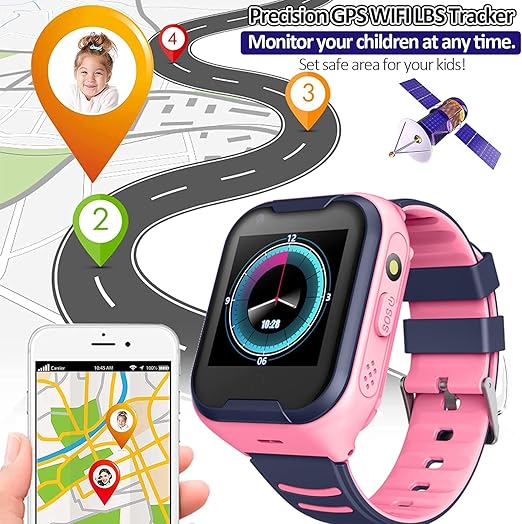
kids gps watch
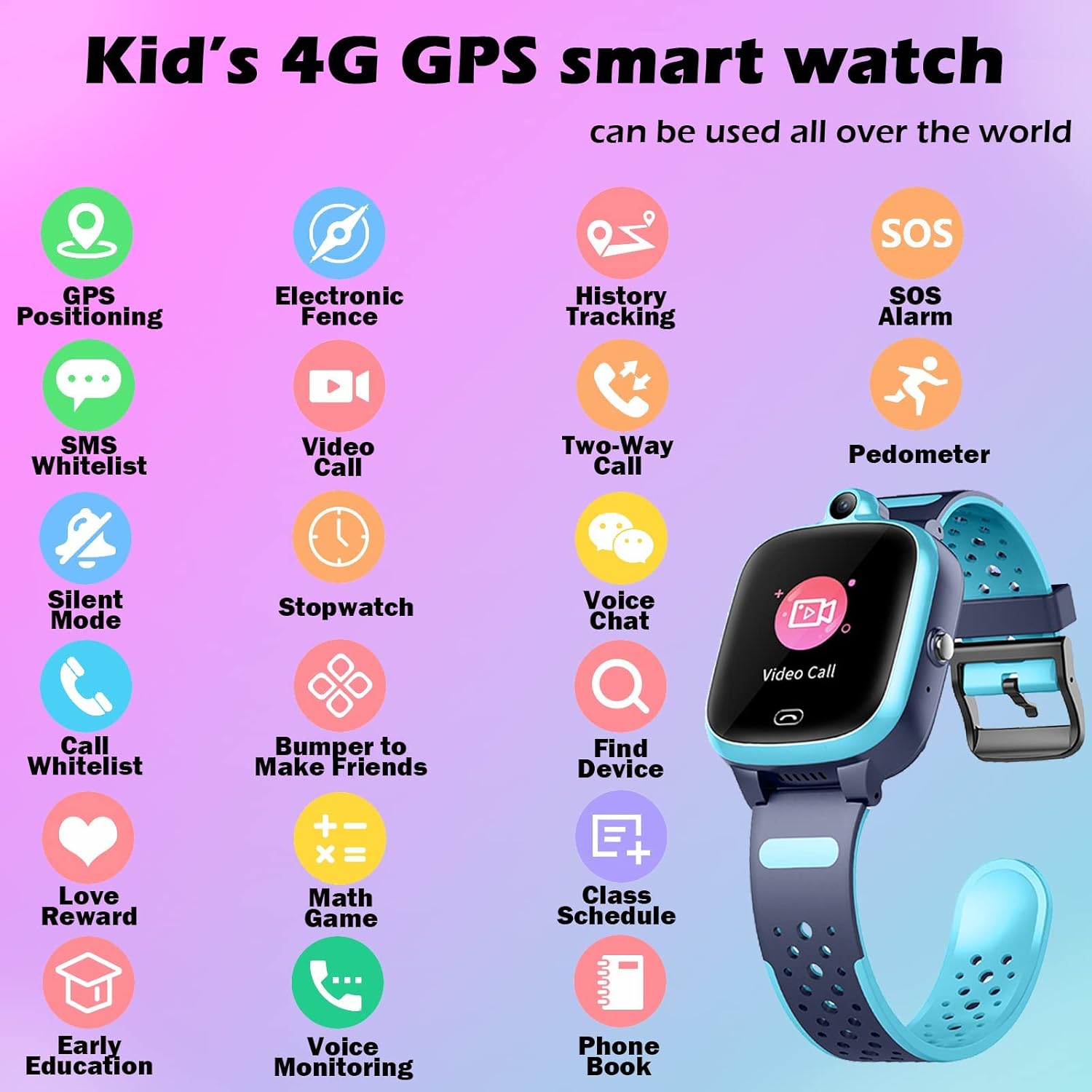
android smartwatch
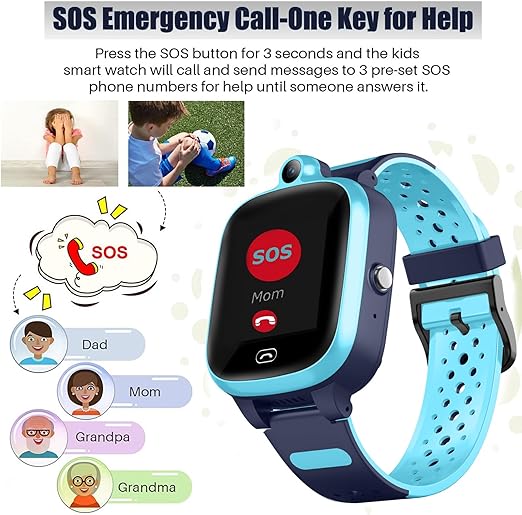
smartwatch lte
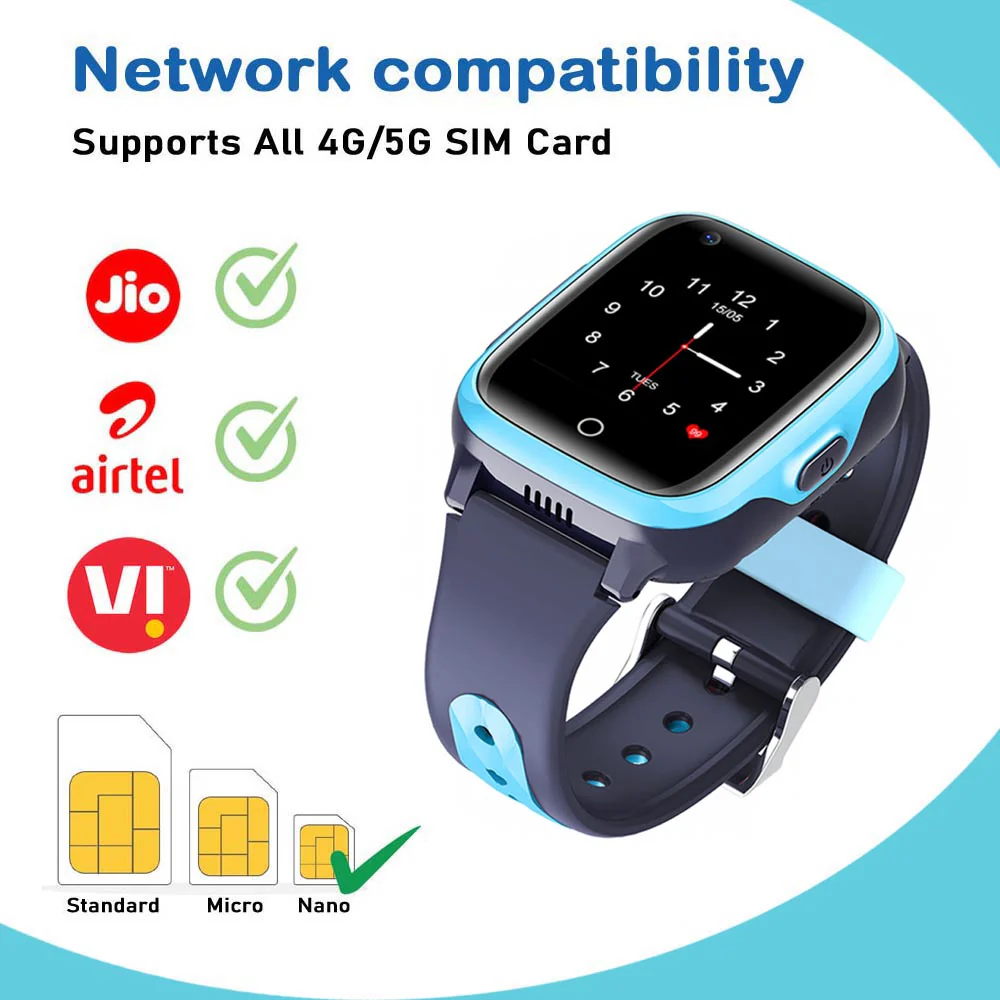
android smartwatch
Step 5: Disable Power Saving Mode and Background Restrictions
Aggressive power management on a kids smart watch frequently causes signal dropping. When battery drops below 20%, a kids GPS watch enters low-power mode that disables LTE scanning intervals. For your junior smart watch, navigate to battery settings and turn off any "smart power saving" or "ultra power saving" features. A smartwatch lte requires the cellular radio to maintain a periodic connection with the tower – power saving forces the radio into deep sleep, missing tower handshakes. An android smartwatch can afford to wake up every few seconds, but a compact kids smart watch battery may trigger aggressive throttling. On many kids GPS watch models, you can create a custom power profile: keep LTE active but reduce GPS sampling. Disable "Wi-Fi scanning" and "Bluetooth scanning" as these conflict with LTE radio resources. After disabling power saving on your junior smart watch, recharge to 100% and monitor if signal drops still occur.
Step 6: Perform Network Reset and Re-provisioning via Parent App
Network caches on a kids smart watch can become corrupted after moving between tower zones. For your kids GPS watch, perform a network settings reset: settings > system > reset options > reset Wi-Fi, mobile & Bluetooth. A junior smart watch will lose saved Wi-Fi passwords but retain cellular configuration. A smartwatch lte should then be re-provisioned through the parent companion app. Unpair the kids smart watch from the app, delete the device, then re-add it as a new device. This forces the kids GPS watch to download fresh carrier profile data. For an android smartwatch used by older children, dialing ##72786## triggers a similar re-provisioning. Finally, on your junior smart watch, toggle airplane mode on for 30 seconds, then off – this forces a fresh tower handshake.
Step 7: Identify Environmental Interference and Tower Congestion
Even a properly configured kids smart watch drops signal in specific environments. Concrete buildings, underground parking garages, and metal elevators block LTE frequencies. A kids GPS watch lacks the antenna gain of a full-sized android smartwatch to penetrate these obstacles. For your junior smart watch, check signal strength in the settings menu (measured in RSRP). Values below -115 dBm indicate poor coverage. A smartwatch lte may also experience tower congestion after school hours between 3–5 PM when thousands of devices compete for bandwidth. Test your kids smart watch in different locations and at different times. If signal drops only at home, request a femtocell (personal LTE booster) from your carrier. If drops occur everywhere, the kids GPS watch hardware is likely defective.
Step 8: Factory Reset as a Final Diagnostic for Your Junior Smart Watch
When all else fails, a factory reset eliminates software corruption on your kids smart watch. Before proceeding, back up contacts and settings using the parent app. For your kids GPS watch, navigate to settings > system > factory data reset. A junior smart watch will erase all local data and revert to out-of-box configuration. A smartwatch lte after reset must be reactivated using the original QR code from packaging. Unlike an android smartwatch that restores from Google backups, a kids smart watch requires re-pairing with the parent account. After reset, test the kids GPS watch for 48 hours without installing any third-party watch faces or custom ringtones. If signal dropping persists after a factory reset, the LTE modem or antenna has physical damage requiring manufacturer repair.
Fixing signal dropping on a kids smart watch requires methodical testing from software settings to physical environment. Start with APN configuration and carrier compatibility on your kids GPS watch, then examine antenna obstructions specific to junior smart watch wear positions. Update firmware and disable power saving on your smartwatch lte to prevent radio sleep interruptions. Check SIM condition and request a wearable-specific data plan from your carrier. If problems continue, perform network resets and factory resets as diagnostic steps. While a full-sized android smartwatch offers more forgiving antenna design, a dedicated kids smart watch achieves reliable LTE connectivity when properly configured. By following this guide, your kids GPS watch will maintain stable signal, delivering the real-time safety and communication parents expect from a modern junior smart watch.
Fujian C-TOP Electronics Co.,Ltd. with over 20 years of industry experience in wireless digital voice calling and the Internet of Things, we can help you quickly transform your ideas into innovative products and solutions. We provide one-stop OEM&ODM services to meet the different needs of our respected customers. Customers can receive full chain services from product design, raw material procurement, production and manufacturing to logistics distribution and after-sales service.